
I’m trying to use the Resend Welcome Letter and Reset Password checkbox to send to members who paid their dues this year. I went to s2Member (Pro) -> General Options -> Email Configuration and set the New User Email Configuration & Message. However, only the Subject Line changes on the outgoing email. How can I customize this message?
Welcome Email and Password Reset from User Profile
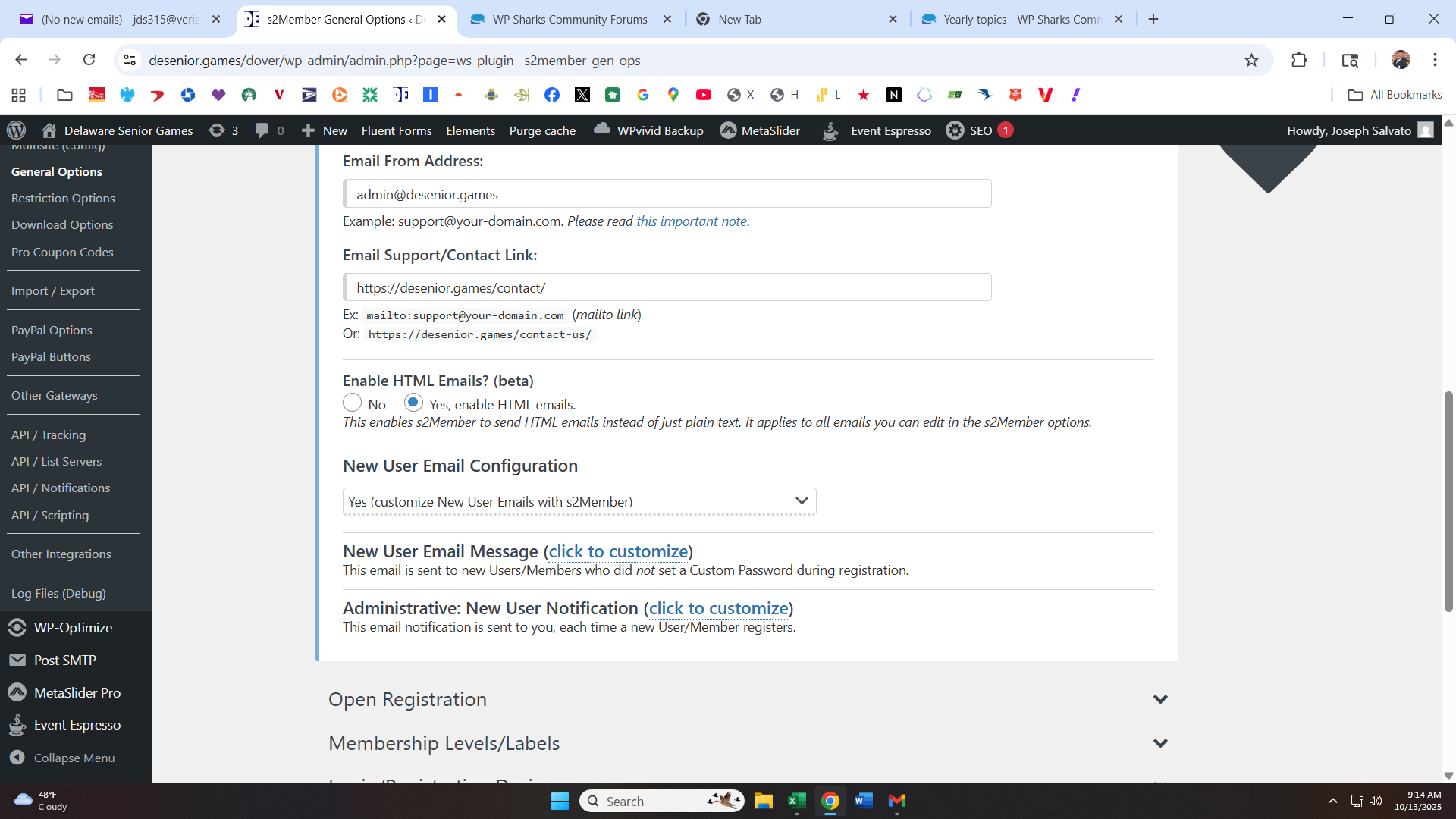
To customize that email, after enabling it, you click the link that says “click to customize”, and at the end click the “save all changes” button at the bottom of the page.

I did that but only the Subject line is sent from what I customized. The body of the message sent does not change regardless of what I put & save.
I’d try emptying both the
New User Email Message:
New User Notification Message:
and saving them then try creating a new user to see what the emails have within them.
Trial and error, trial and error, trial and error, trial and error, trial and error, trial and error and yet more , trial and error is the life of a developer I’m afraid.
1 Like
Is that with a new registration, or only with the welcome email resend?