New PayPal Checkout buttons

I’ve been working on this for a long time now, almost full time the last weeks in order to complete it, and it’s finally done.

I tried making it as simple as possible for you. The admin options require very few settings, and I implemented it so that existing button shortcodes won’t need to be edited. Enabling and configuring PayPal Checkout in your s2Member options will be enough to switch the shortcodes to using the new PayPal Checkout buttons, checkout, and webhooks.

Soon I’ll add PayPal Checkout to the s2Member Pro pro-forms.

Let me know how it works for you and if you have any issues, so I can help you and fix anything we find wrong.

:slight_smile:

4 Likes

I don’t use PayPal (at all) but this will be VERY handy for many.

1 Like

It’s working here! Thanks again!! :partying_face:

1 Like

Thank you for this, however whenever I try to test credentials I get a blank page. I’m not sure what I’m doing wrong after creating the client ID and secret key.

1 Like

Hi Luis.

Could you check in your logs for the paypal-checkout.log file and look for the entries related to that test? WP Admin > s2Member > Log Files

Also, please enable WP_DEBUG, repeat the test, and look in the debug.log if there are any entries there. https://developer.wordpress.org/advanced-administration/debug/debug-wordpress/

Let me know what you find. :slight_smile:

1 Like

Hi Cristián, thanks for the assist. Here’s the paypal-checkout.log result:

[REDACTED DUE TO PARANOIA]

Thanks,
Luis

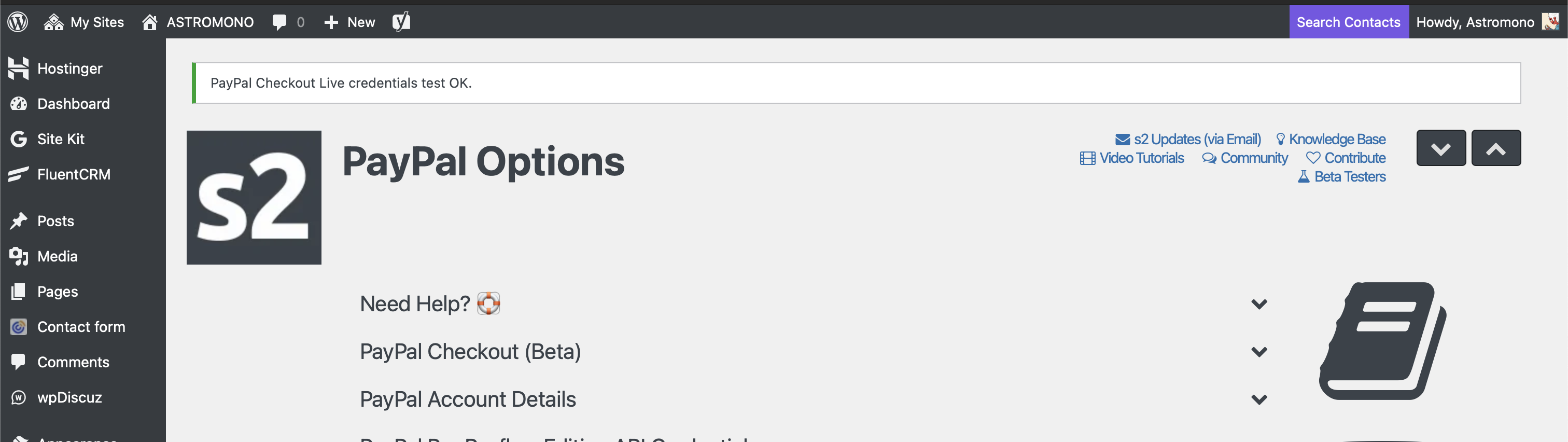
Thanks. It looks like your credentials passed the test, it was just the confirmation page that had a problem Maybe it’s a plugin conflict, not sure. I couldn’t reproduce it on my end, but I’ll see how I could prevent it.

In any case, it looks like your credentials were fine. Go ahead and try creating the webhook, too. And try the buttons.

:slight_smile:

1 Like

Nice, it’s working!!! https://www.astromono.com/checkout-membresia-mensual/

Thank youuuuu!!! :heart_eyes:

1 Like

Genial!! Me da muchísimo gusto :smiley:

1 Like

Luis, could you try this beta I prepared addressing the issue you had after testing the credentials, and see if you still have the problem?

s2member-v260202.61396.zip (1.4 MB)

Thanks! :slight_smile:

1 Like

Jajaja no sabía que hablabas españo, hermano xD que buena vaina.

Alright, well good news! You fixed it! Here are my notes

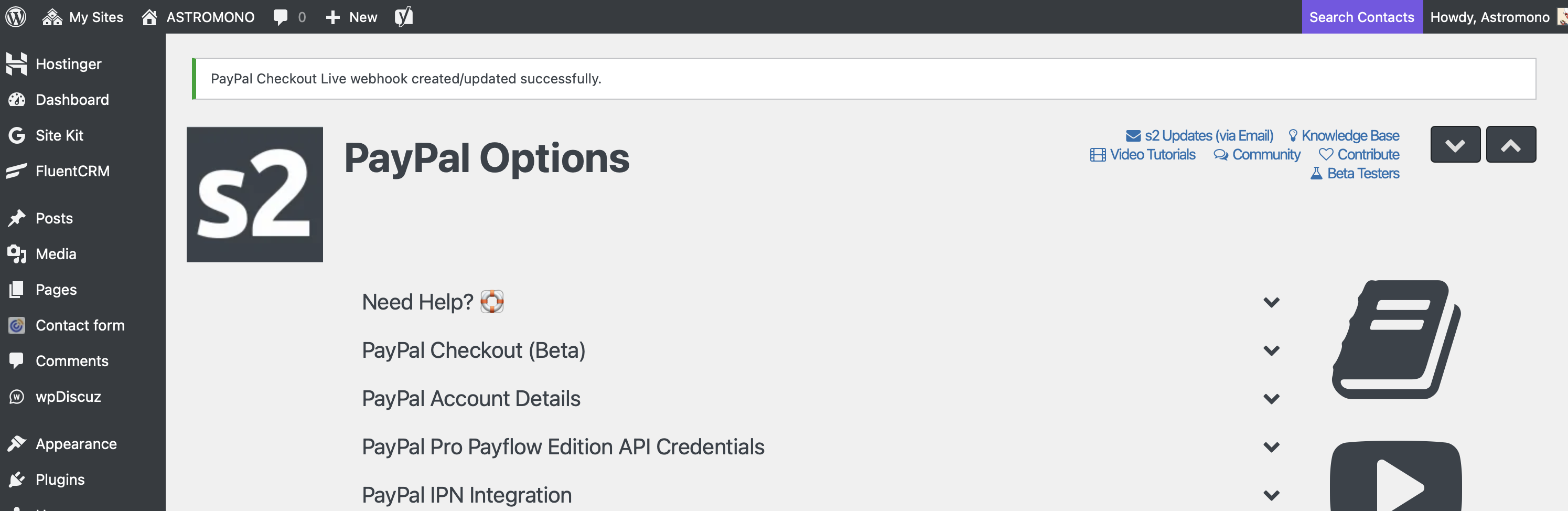
  1. The new beta you gave me works properly this time (see attached screenshots)
  2. With the previous version I had to go into PayPal’s webhook settings and create the webhook manually using the webhook URL s2member gave me. To test the new beta, I purposely deleted the webhook I had on PayPal and then used the “Create/Update Webhook” button in the plugin instead.
  3. I don’t have s2member network activated on my multisite setup. It’s only activated for one of my sites.

Additionally, the plugin does recognize when there’s already an active webhook in the setup. Before my step 2 testing above, I tried creating the webhook and got the error I deserved:

[REDACTED]

Thanks again for the assist on this! It’s working great!

1 Like

1 Like

That’s great! Thank you for testing and confirming it! :smiley:

Jajaja no sabía que hablabas españo, hermano xD que buena vaina.

jeje sí, latinoamericano :kissing_heart:

1 Like

Many fixes and improvements for the PayPal Checkout integration in the new release.

:wink:

2 Likes

Not sure if it is only for this release as I have not have any new members in weeks, but today, I got an email from someone who said that clicking on the Paypal button just brought him back to the checkout form. I tested it and sure enough, it does the same thing, whether using Paypal or Stripe. Nobody can actually check out.
Is this related?
Was I supposed to edit any of the pro-forms with the latest releases?

Just to add to this last post, I tested this on another site of mine and I get the same “run around” as I cannot check out. I also checked and the last successful new member was on January 11. On January 18, I got reports from someone not able to join. At the time, I was using version 251005 (strangely, I was using the same version on January 11, when I had a new member check out).

PayPal has been acting very weird with its older products. That’s why I added the newer PayPal Checkout one to s2Member. For now it’s only for the s2Member PayPal buttons, but soon I’ll add it to the s2Member PayPal pro-forms as well.

If you had an issue with the pro-form, it’s not related to the new Checkout integration, but you can use the Checkout buttons if you want. PayPal Checkout is not the same as PayPal Express Checkout. The pro-form currently integrates via Express Checkout, not the newer Checkout.

:slight_smile:

I just upgraded to s2member version 260215. I have very old paypal buttons, so I wanted to try the new paypal buttons (Im assuming your latest release is in this version). I went to paypal buttons -> buttons for level #1 Access. I chose a buy now, 1 month, non recurring, and I put in the charge price and changed the description. I then hit the generate button Code, and it does not change the shortcode, in the console i get the error below. so it pretty much does not change the shortcode text

admin.php?ws_plugin_…260215-1014331703:3 Uncaught TypeError: Cannot read properties of undefined (reading 'replace')
    at ws_plugin__s2member_paypalButtonGenerate (admin.php?ws_plugin_…-1014331703:3:11325)
    at HTMLInputElement.onclick (admin.php?page=ws-pl…pal-buttons:790:125)
ws_plugin__s2member_paypalButtonGenerate	@	admin.php?ws_plugin_…260215-1014331703:3
onclick	@	admin.php?page=ws-pl…-paypal-buttons:790

Thanks for reporting it. I had someone tell me about it recently and it’s already fixed, but I haven’t made the release yet. Here you go:

s2member-v260221.60272.zip (1.4 MB)